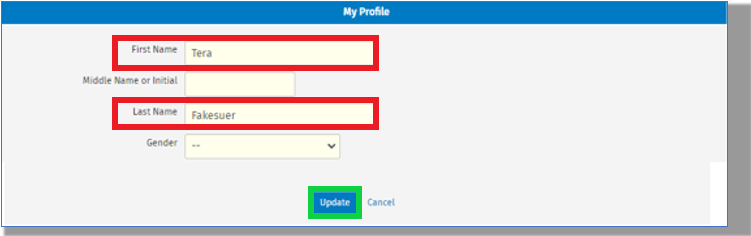

Once an user account has been created, updates and changes to either the first or last name can be made by the users themselves. At this time, there is no ability for this to be done by anyone in the same firm with Admin permissions. If you require assistance changing someone else's name, please reach out to us through the Chat button on the site.
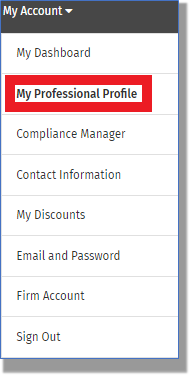
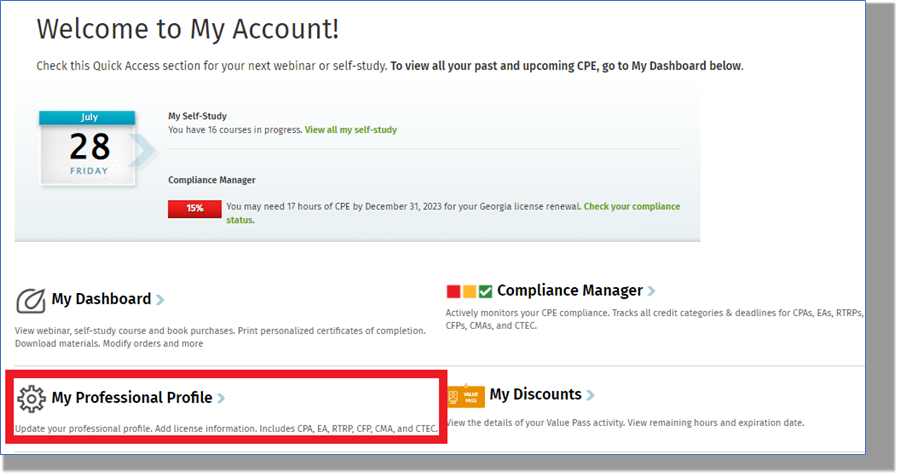
Navigate to the My Account > My Professional Profile area:
The name fields can be updated here. Once the updates have been made scroll down the page and click on the "Submit" button to save the changes. The information in these fields will determine what is displayed on completion certificates.